You haven't signed in yet, you can have a better experience after signing in
*Please complete the payment within {{receiveCouponInfo.expire_at}}Previous use*
You haven't signed in yet, you can have a better experience after signing in



Activity Rules
1、Activity time:{{ info.groupon.start_at }} ~ {{ info.groupon.end_at }}。
1、Activity time:cease when sold out。
2、Validity period of the Group Buying:{{ info.groupon.expire_days * 24 }} hours。
3、Number of Group Buying:{{ info.groupon.need_count }}x。
Please Pay Attention
1、Teamwork process: Join/initiate a Group Buying and make a successful payment - Within the validity period, the number of team members meets the activity requirements - Group Buying succeeded!
2、If the number of participants cannot be met within the valid period, the group will fail, and the paid amount will be refunded in the original way.
3、The number of people required and the time of the event may vary among different products. Please pay attention to the rules of the event.
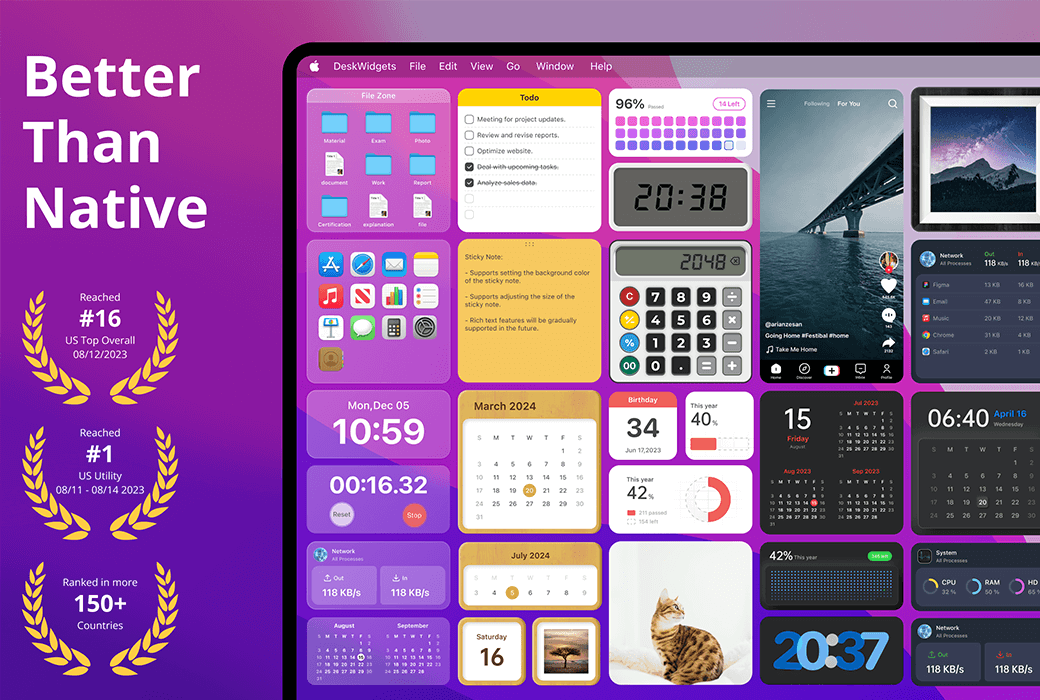
DeskWidgets Mac Desktop Beautification Custom Widget Tool Software
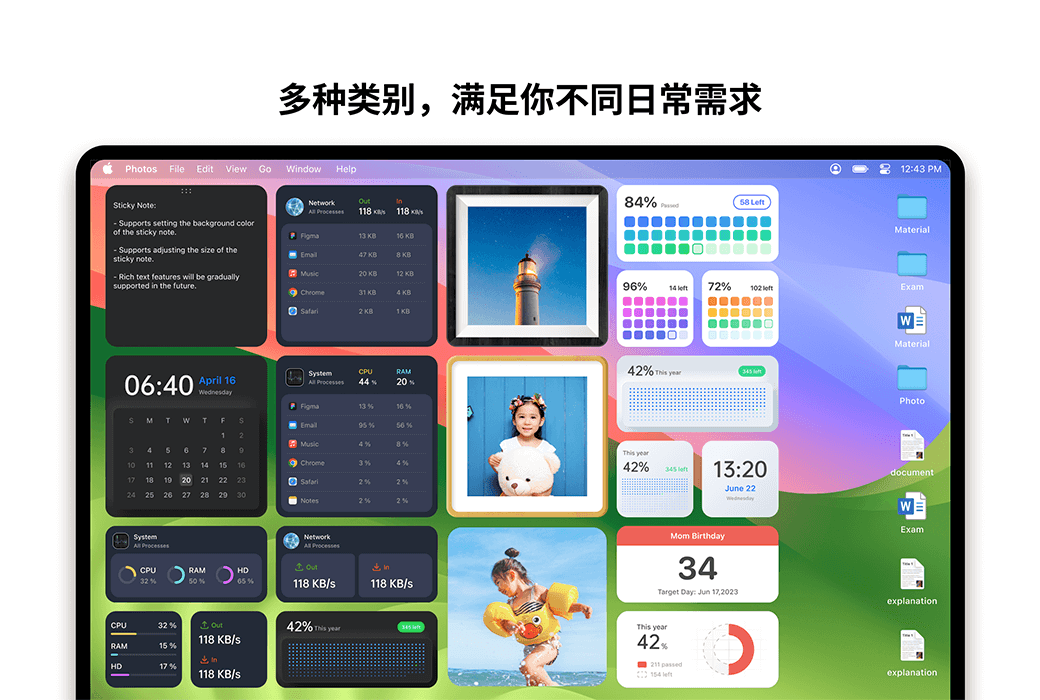
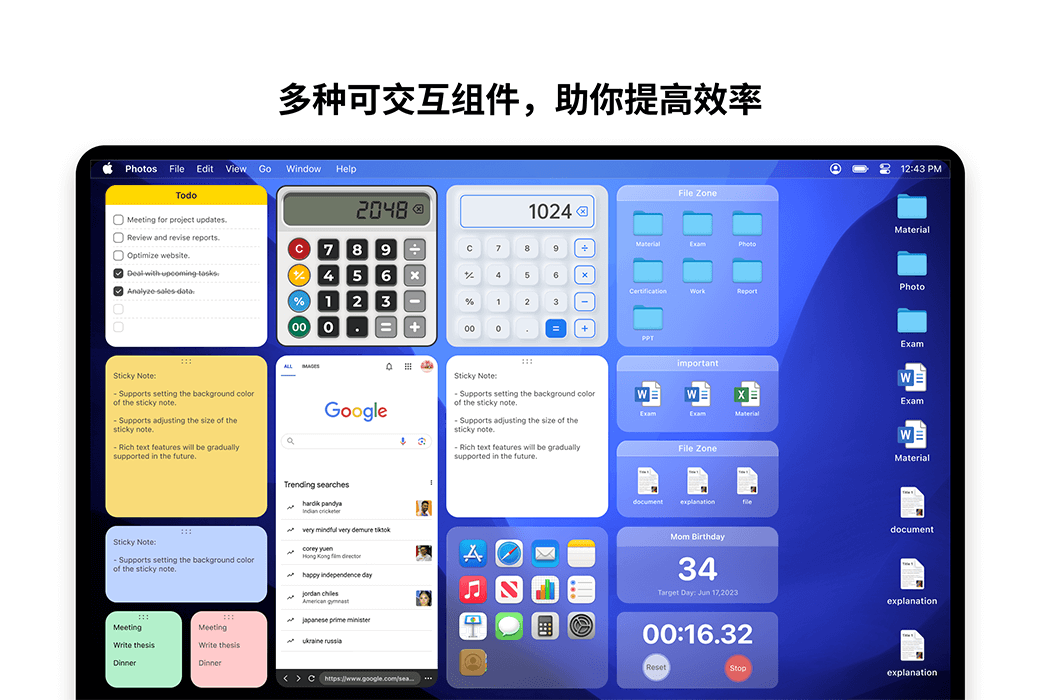
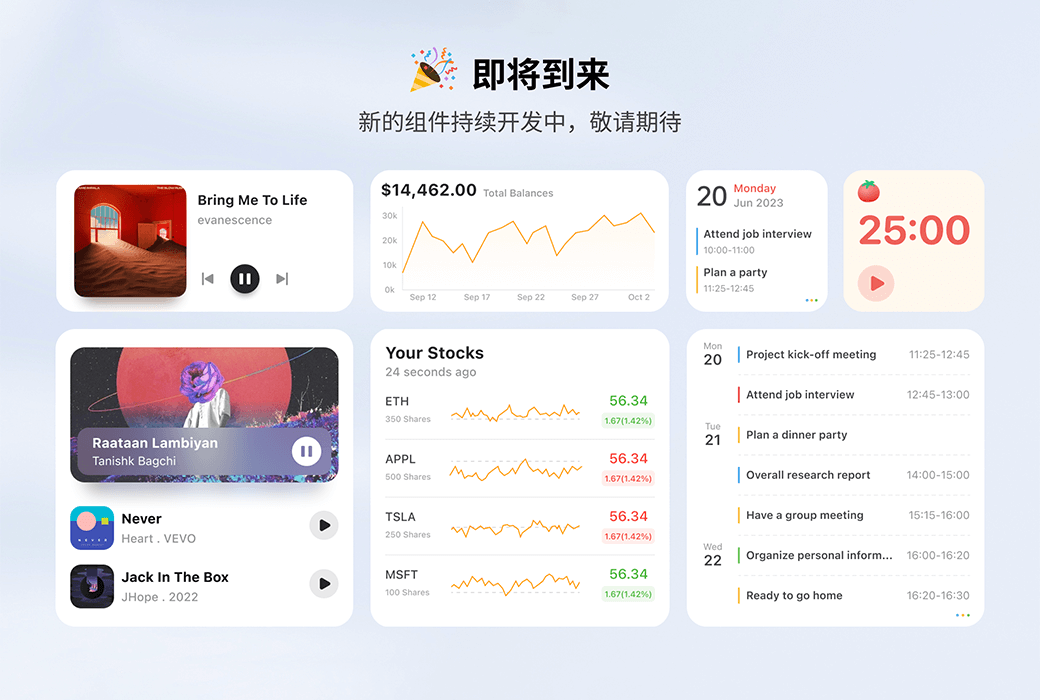
DeskWidgets aims to help you customize and beautify your desktop through desktop components. At the same time, we have also pioneered the development of numerous interactive components to improve your desktop utilization and work efficiency.
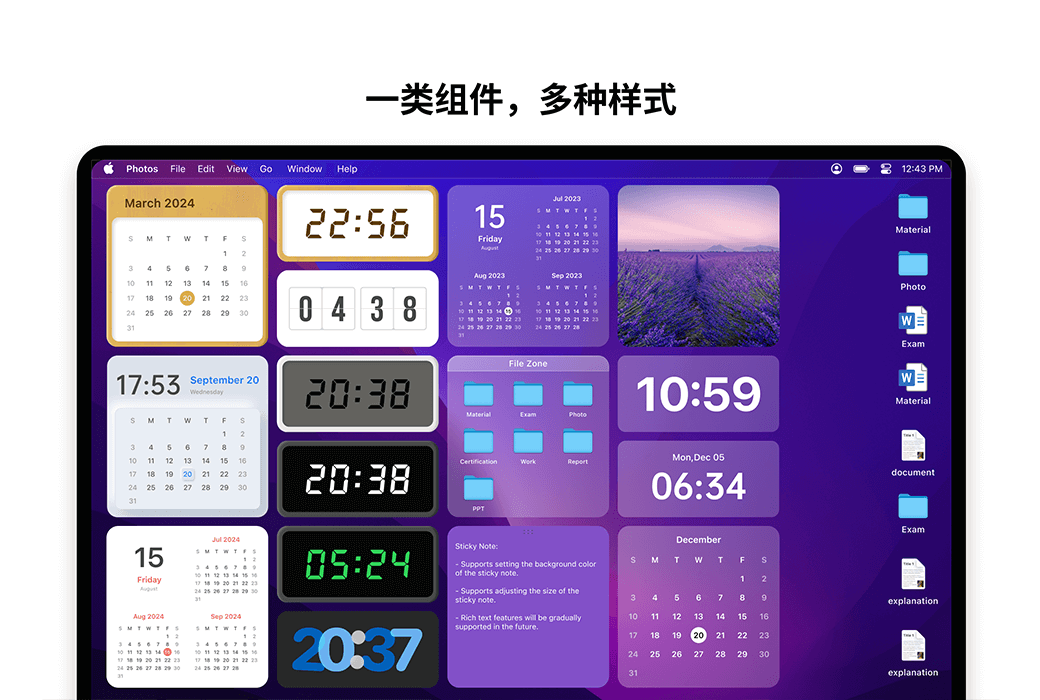
All components are highly customizable, allowing you to freely customize your own desktop style.
At present, components are mainly divided into two categories: one is convenient for you to efficiently view some commonly used information, and the other is interactive and easy for you to complete high-frequency work directly on the desktop without opening third-party apps.
Type 1: Interactive Components
Type 2: Information Component
Official Website:https://www.deskwidgets.com/
Download Center:https://deskwidgets.apsgo.cn
Alternate Download: N/A
Shipping Time: Manual processing
Operating Platform: macOS
Interface Language: Supports Chinese interface display, with multiple languages available.
Update Instructions: Use and update within the validity period, with lifetime versions supporting permanent use and updates.
Trial Before Purchase: Free trial available before purchase.
How to Receive Goods: After purchase, activation information will be sent to the email used for ordering, and the corresponding product activation code can be viewed in the personal center, My Orders.
Number of Devices: Can be installed on 5 computers.
Changing Computers: Uninstall on the original computer and activate on the new computer.
Activation Guide: After receiving the redemption code, please go to the Apple Store, click on the avatar in the lower left corner, redeem the code with a gift card, and follow the prompts to complete the redemption.
Special Instructions: Due to restrictions related to Apple Store gift card codes, please ensure to redeem the code within 7 days after it is sent. Exchanges and refunds are not available after expiration. After successfully redeeming the gift card, membership will automatically renew upon expiration. If you do not wish to renew, you can cancel the automatic renewal in Subscription Management after the redemption is complete.
References:https://www.byteapps.tech/

Any question

If you have confirmed the use of code redemption, but the software is still in a non member state, please follow the steps below:
1. Click on the "Pro" function of the software.
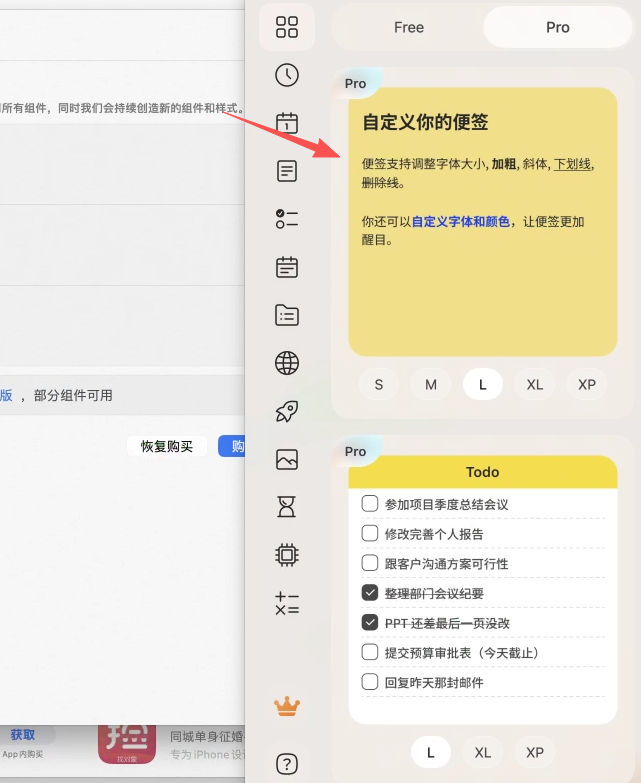
2. On the pop-up purchase page, click on the "Restore Purchase" option.
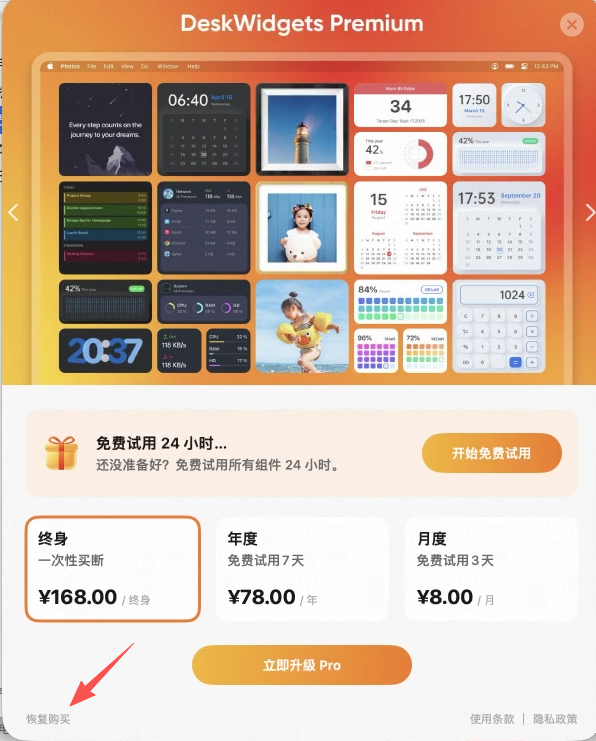
3. Then you will see a prompt saying "Purchase restored successfully" and your membership status will be synchronized.
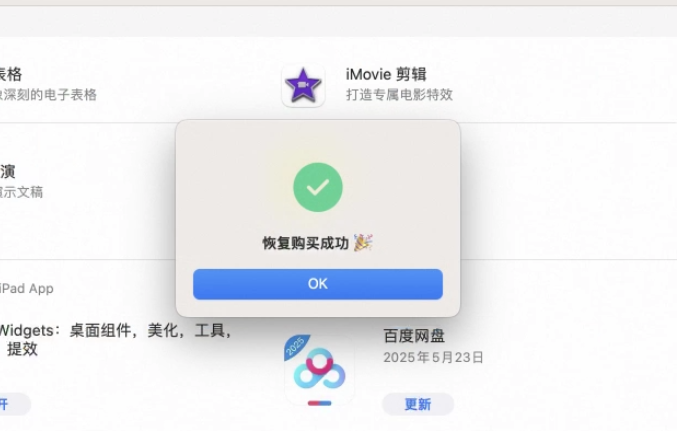
Attention: If you click on the restore purchase prompt "No record found", please exit the software and run it again, and try the operation again.